LinkedIn Headshots, Generated From Your Selfies
Your LinkedIn photo is the first thing recruiters, clients, and former colleagues see when they land on your profile. A cropped vacation shot or a dim webcam capture undersells everything below it. With professionalheadshot.com, you upload one to three casual selfies, choose a style, and get a profile-ready headshot in about a minute.
There is no session to book and no photographer to brief. The AI handles background, apparel, and lighting based on the presets you select, so you control how formal or relaxed the final image feels. If something is off, re-edit the result with a plain text instruction, or upscale it to 32 MP for other uses.
1 free credit on signup, no credit card.
The recommended look
A gray studio backdrop keeps the focus on your face in LinkedIn's small circular crop, while business casual and a warm smile read as competent without feeling stiff.
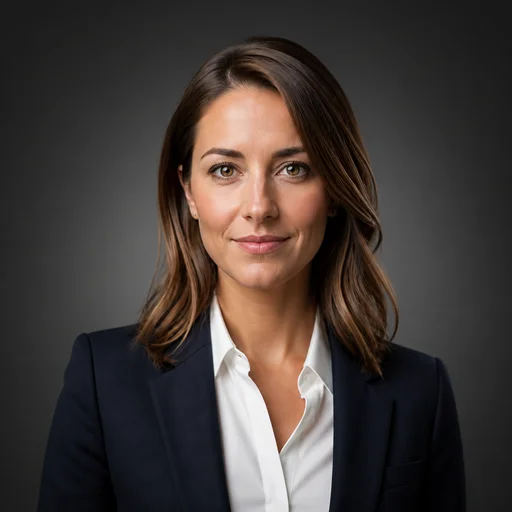
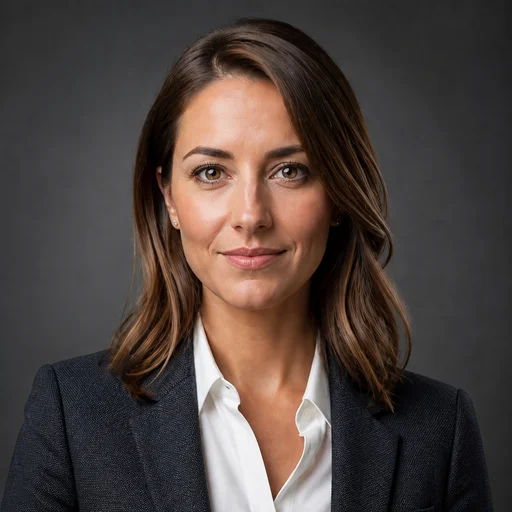
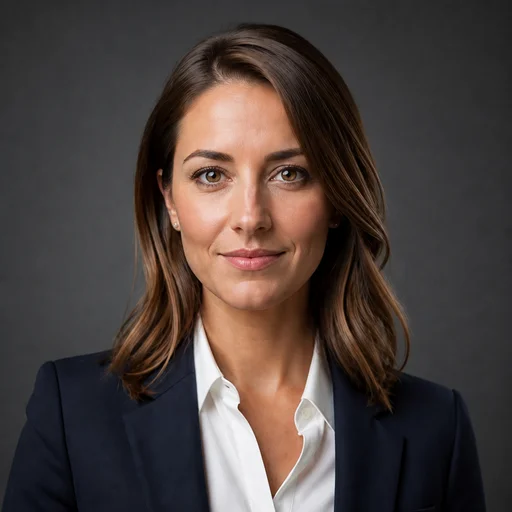
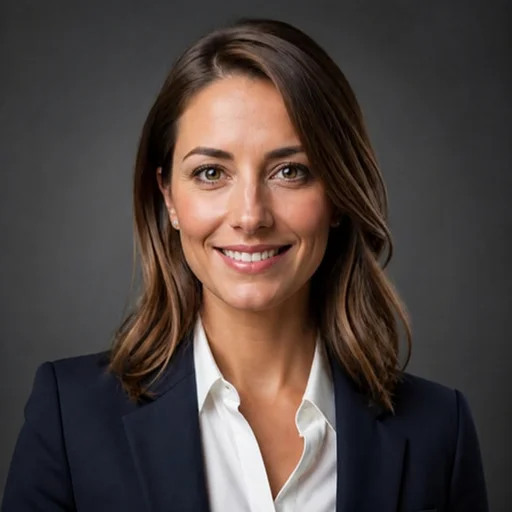
These presets are pre-selected for you on the create page — change any of them freely.
Your current photo is working against you
An old, blurry, or overly casual picture creates a mismatch with the experience listed on your profile. Viewers form an impression in seconds, and a weak photo sets the wrong tone before they read a single word.
Professional shoots cost real money and time
A traditional headshot session means scheduling weeks out, commuting to a studio, and often paying more than a hundred dollars for a handful of usable frames. That is a big lift for a single square image.
DIY attempts rarely look the part
Bathroom mirrors, stretched webcam frames, and harsh overhead lights are hard to escape at home. Even a decent phone camera struggles to produce the clean background and even lighting a profile photo needs.
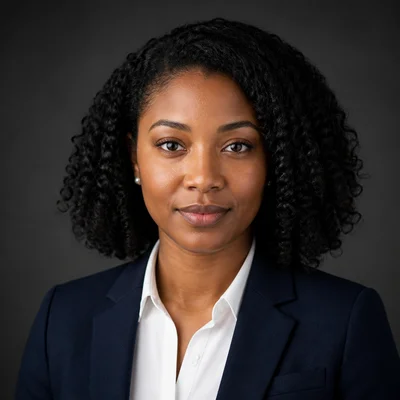
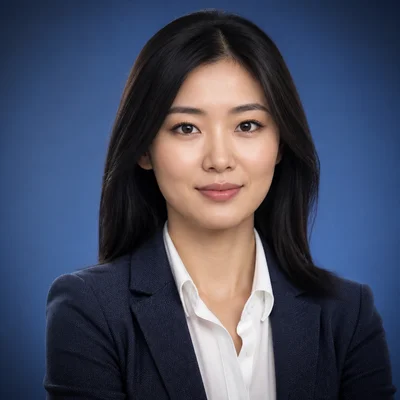
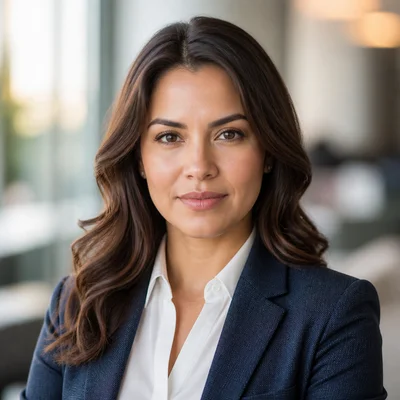
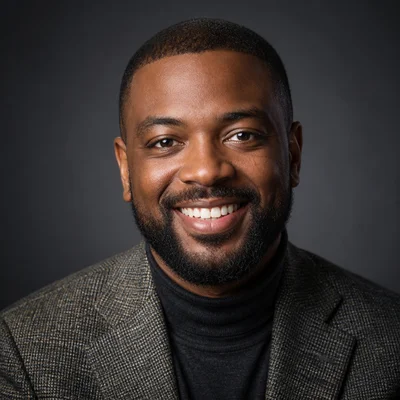
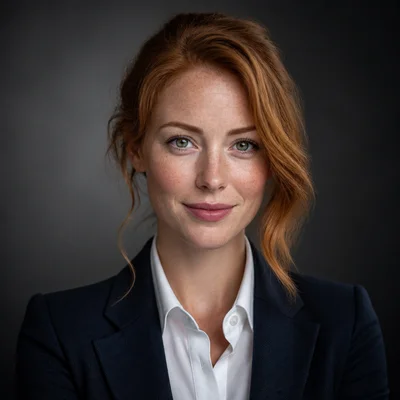
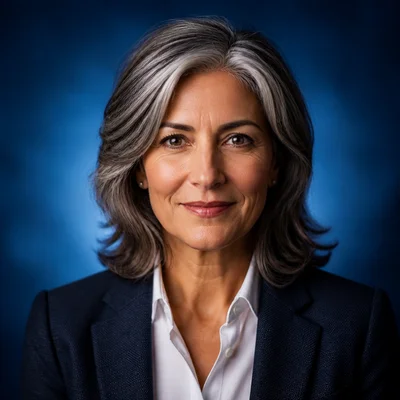
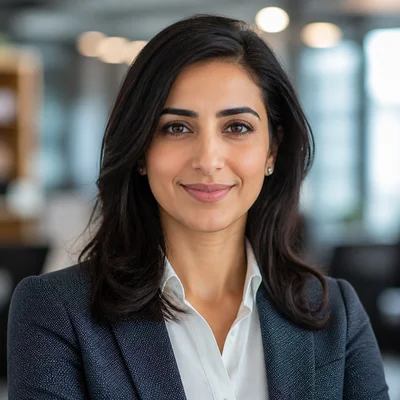
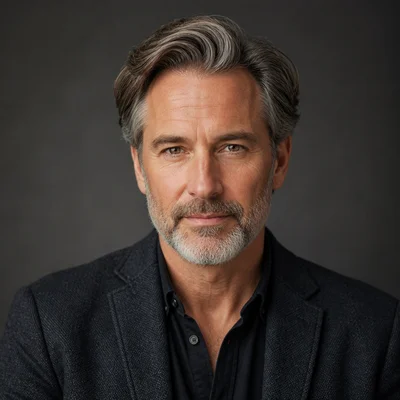
Example results
Generated with the same tool, using styles close to this profession's recommended look.
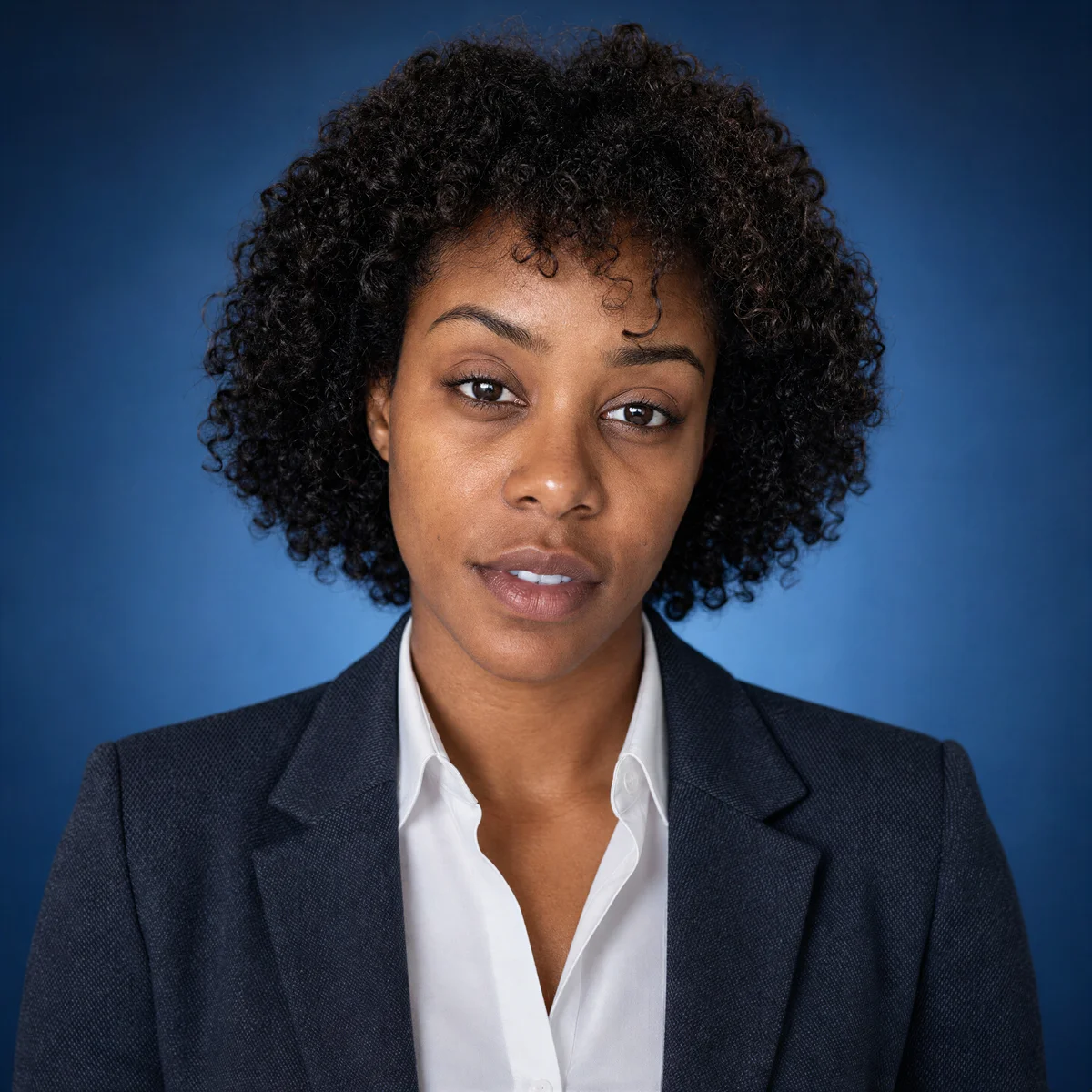
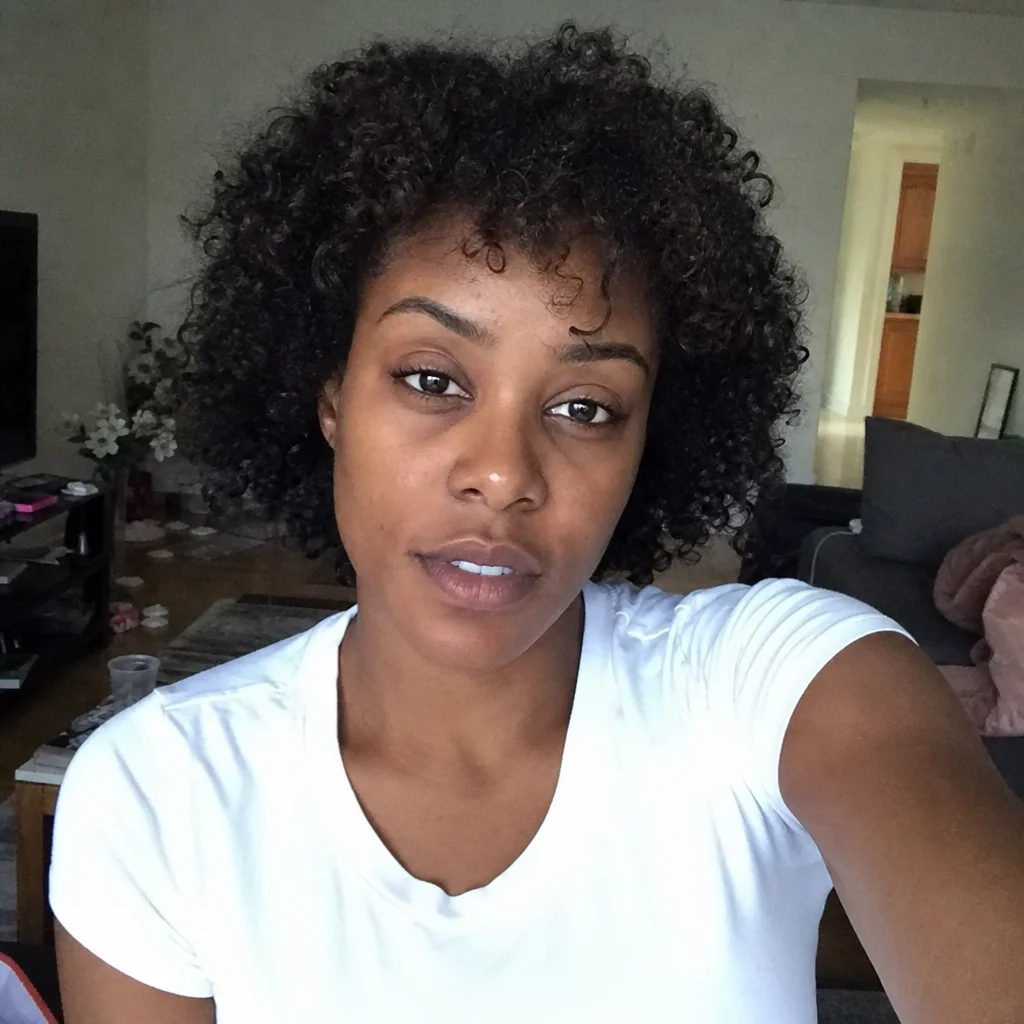
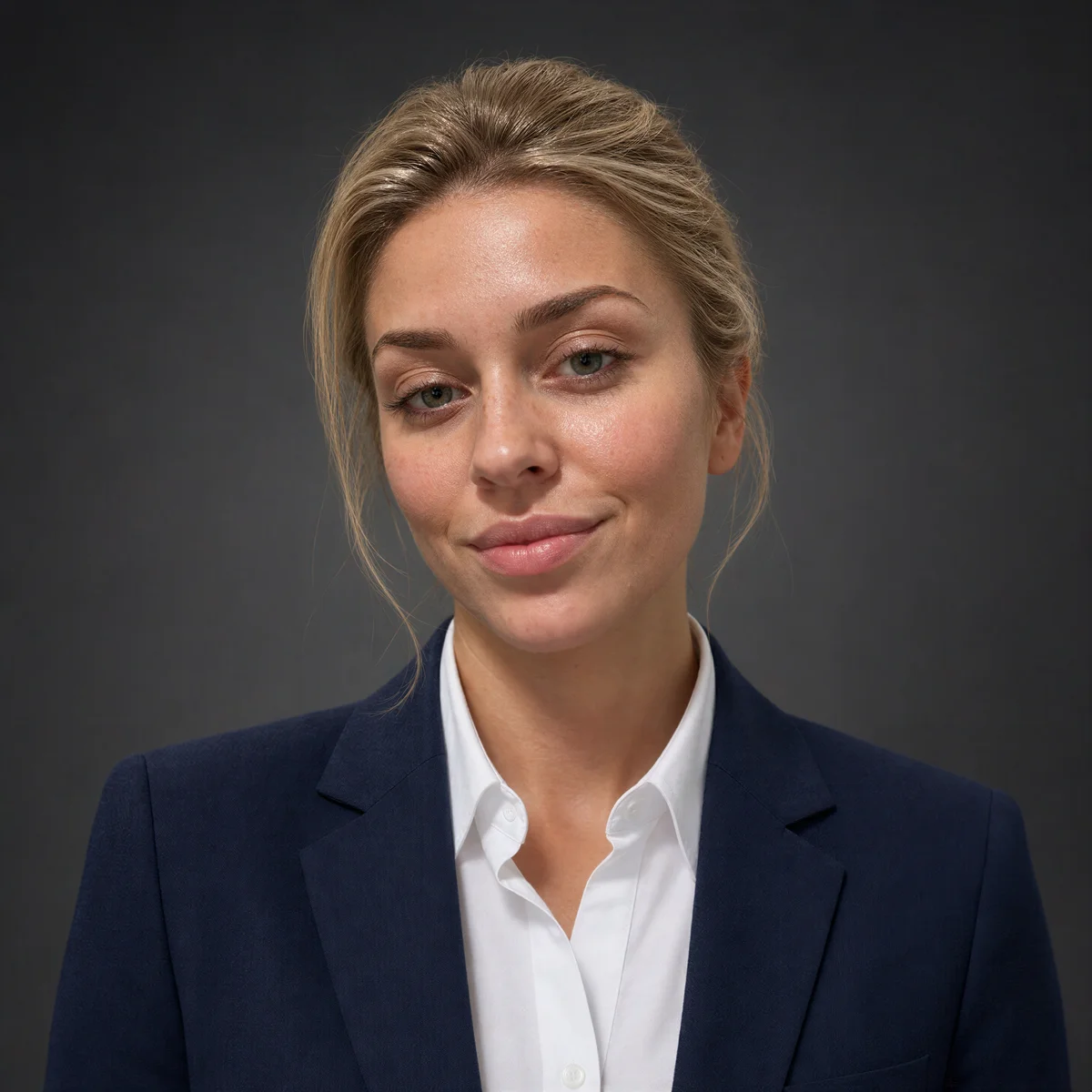
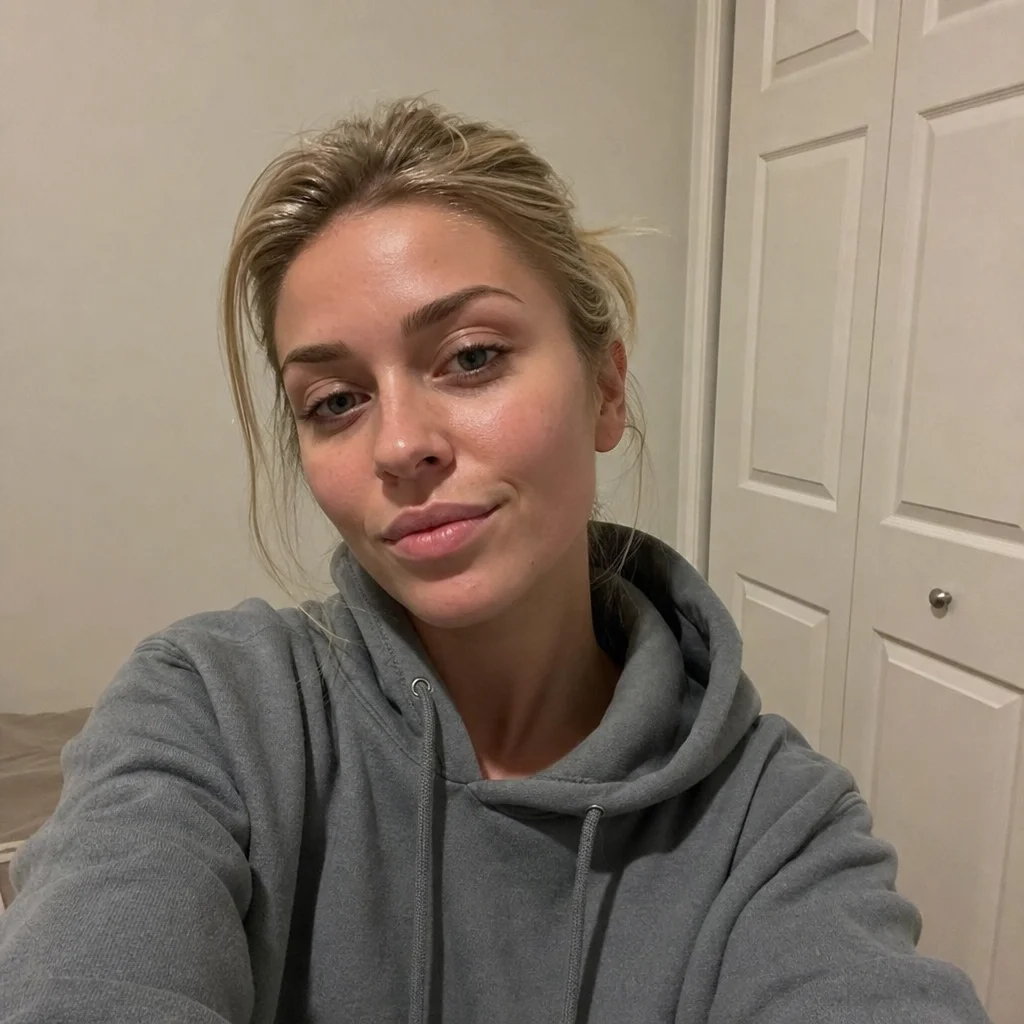
How it works
- 1Upload 1-3 casual photos of yourself. Everyday selfies are fine.
- 2Choose your background, apparel, lighting, and expression presets.
- 3Generate your headshot. It is ready in about a minute.
- 4Download it, or refine it with a text instruction and upscale up to 32 MP.
FAQs
What size does LinkedIn recommend for profile photos, and will my download fit?
LinkedIn suggests a square image of at least 400 x 400 pixels. Your generated headshot downloads well above that, and you can upscale it to 32 MP if you also want to use it at larger sizes elsewhere.
Which expression preset performs well for LinkedIn profiles?
Friendly Smile and Approachable are strong defaults for LinkedIn, since the platform is built on outreach and networking. If you work in a more formal field, Professional Neutral or Confident can fit better.
Can I swap the background after my headshot is generated?
Yes. Every result can be re-edited with a text instruction, so you can ask for a different backdrop, a color tweak, or a cleaner look without starting over from your uploads.
Should my LinkedIn banner and headshot styles match?
They should at least not clash. If your banner uses cool corporate tones, a Studio Gray or Gradient Blue background sits comfortably in front of it. Warm outdoor backdrops pair better with lifestyle or brand banners.