Attorney Headshots That Convey Judgment and Authority
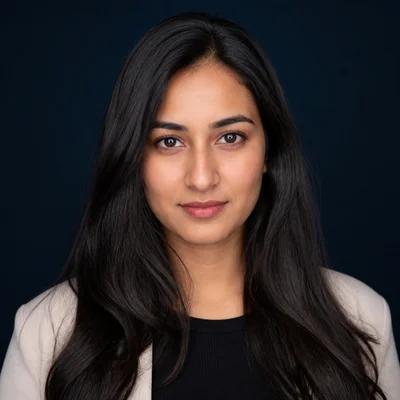
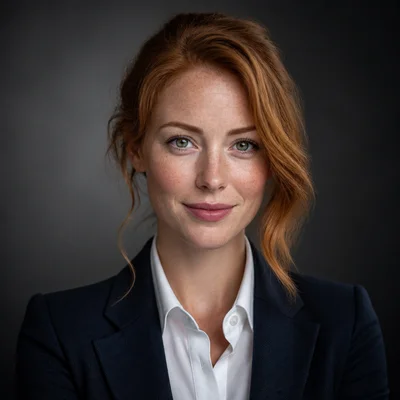
Clients hire lawyers they believe can handle serious matters, and the bio photo is where that belief starts forming. An attorney headshot should communicate composure, preparation, and gravity. Dark backgrounds, formal attire, and controlled lighting do most of that work before a prospective client reads a single credential.
Generate that image from one to three ordinary photos of yourself. Choose Business Formal apparel, a navy or gray backdrop, and a confident expression, and the AI composes the result in about a minute. If the firm's site calls for a slightly different tone, re-edit the photo with a short text instruction.
1 free credit on signup, no credit card.
The recommended look
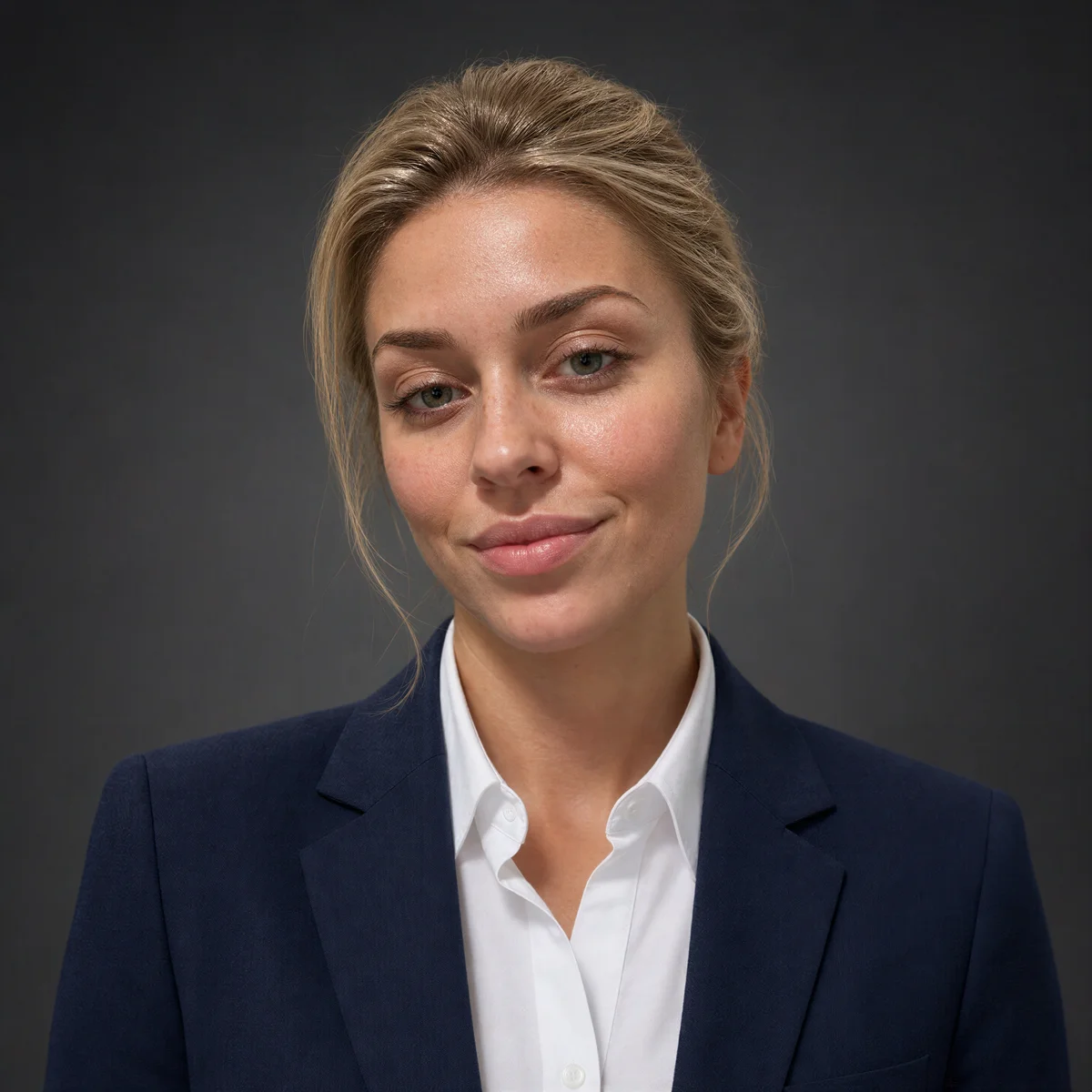
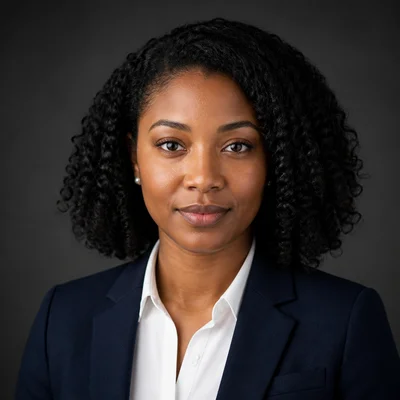
Navy with Rembrandt lighting adds depth and seriousness that flat studio setups lack, and a confident expression aligns with what clients want from someone arguing on their behalf.
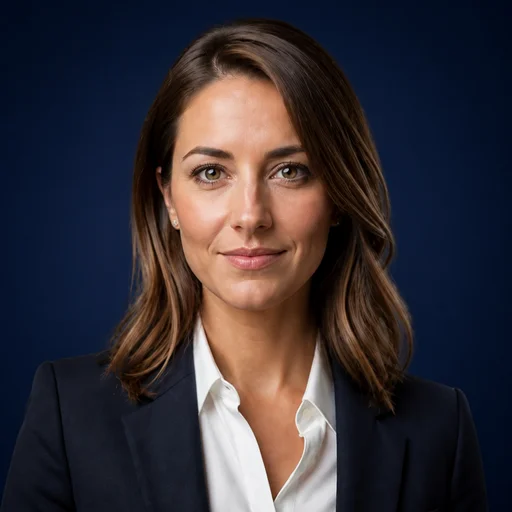
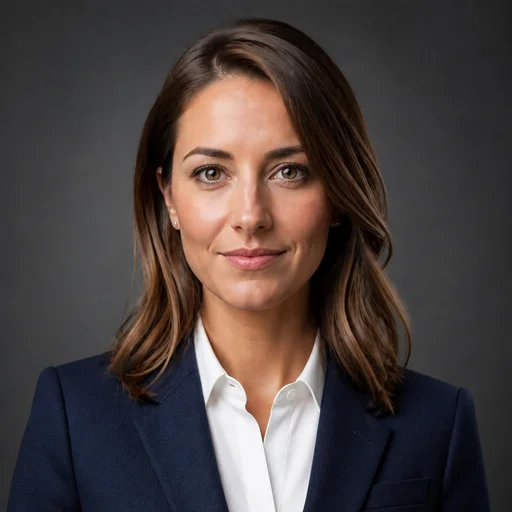
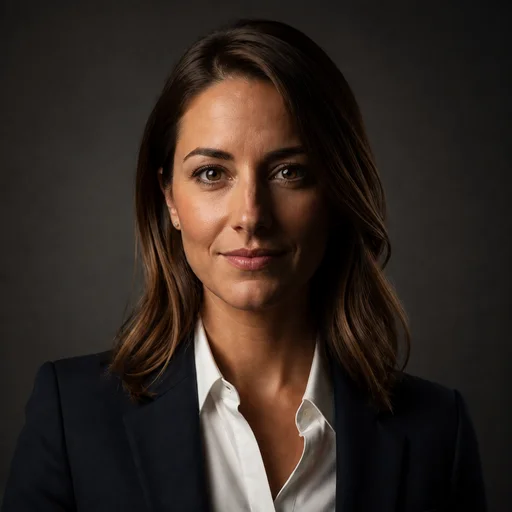
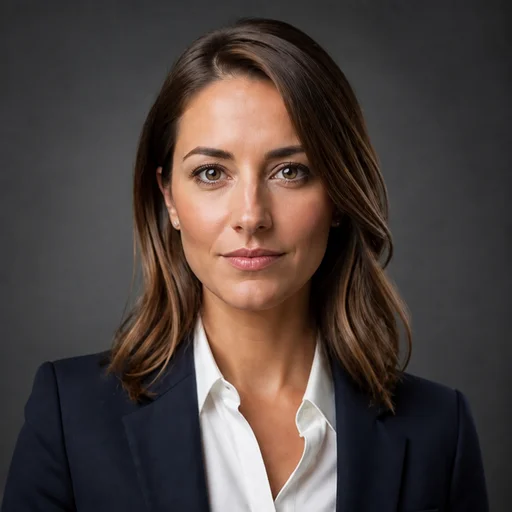
These presets are pre-selected for you on the create page — change any of them freely.
Billable hours make shoots expensive twice
A studio session costs money, but the half day spent traveling and posing costs more in lost time. An image generated from photos you already have removes both line items.
Firm sites demand a consistent standard
Partner pages look uneven when one attorney's photo is warm and outdoor while another's is a flash-lit conference room shot. Preset-driven generation keeps every bio on the same formal register.
The wrong tone costs client confidence
Too casual, and a prospective client questions your seriousness. Too severe, and they hesitate to call. Getting the balance right takes deliberate control of expression, attire, and lighting.
Example results
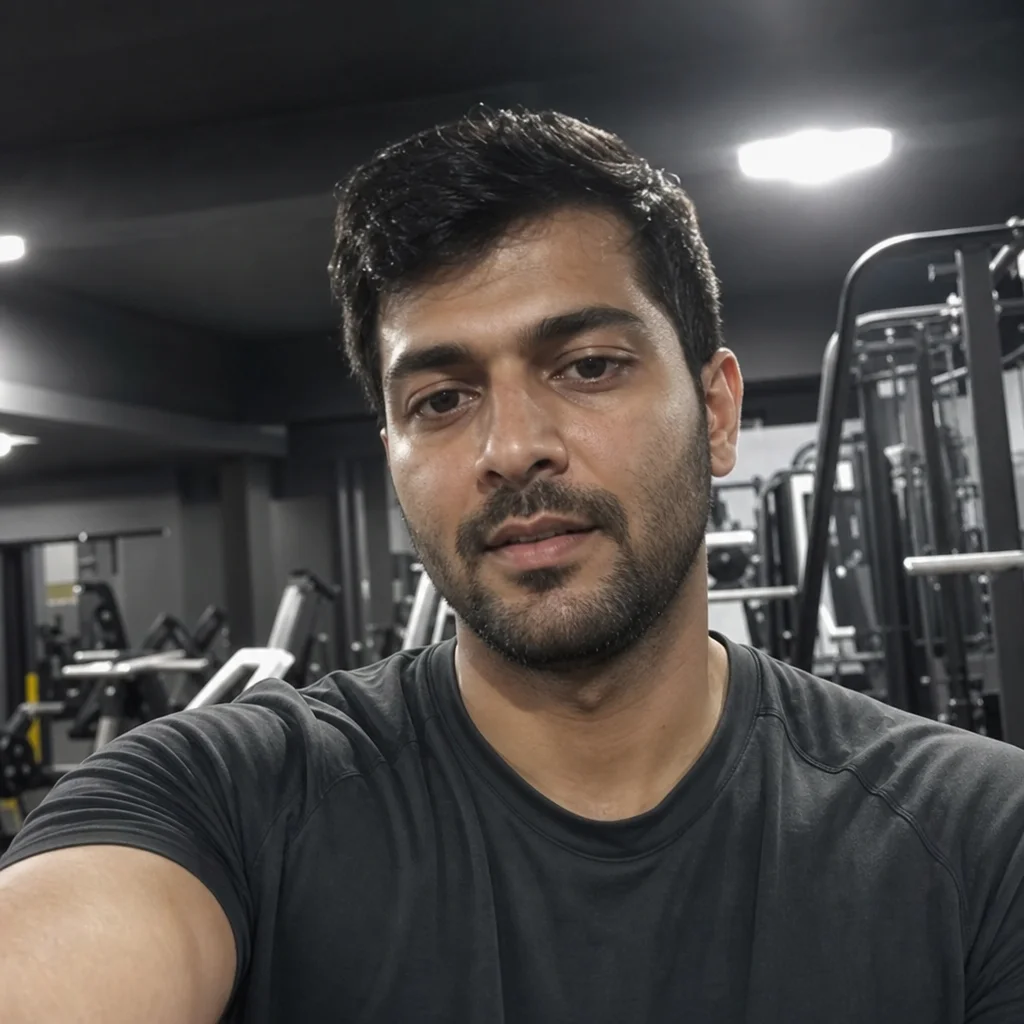
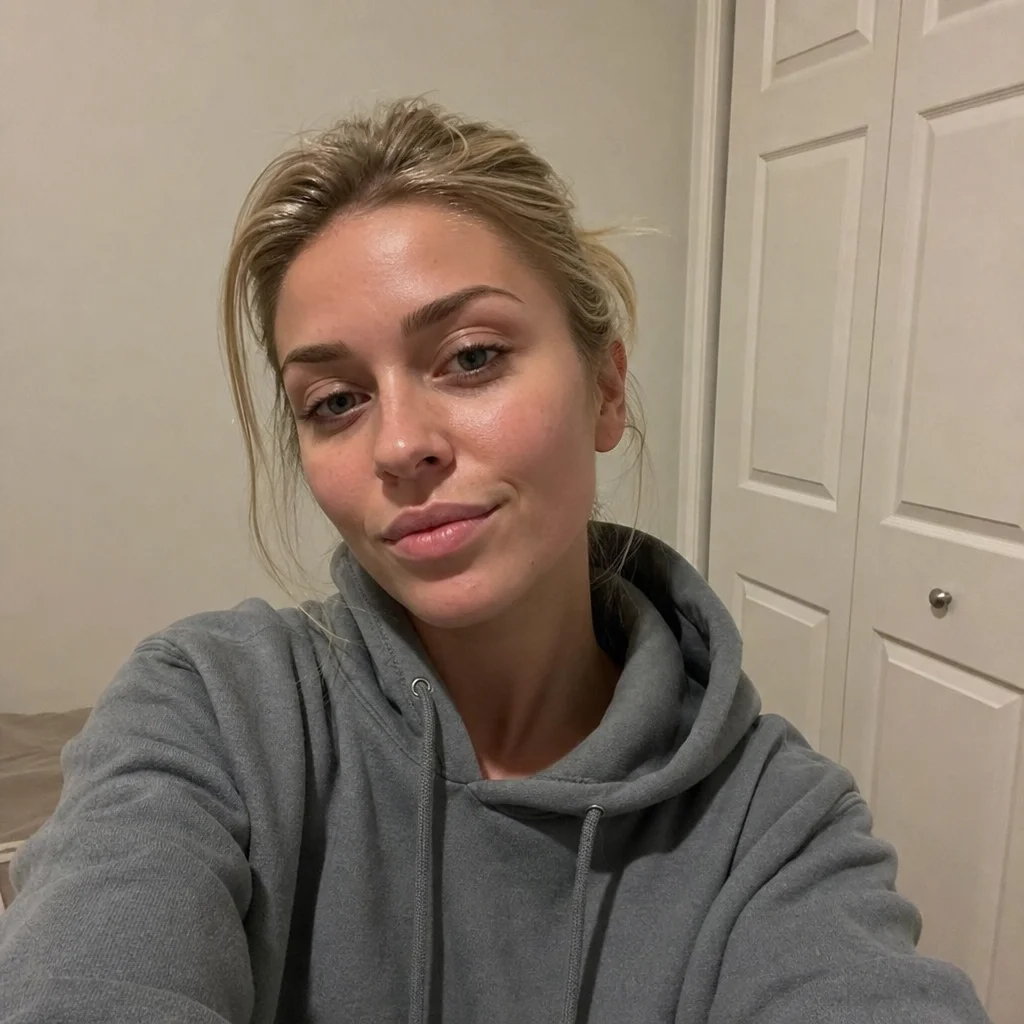
Generated with the same tool, using styles close to this profession's recommended look.






How it works
- 1Upload 1-3 clear photos. They do not need to show you in a suit.
- 2Select Business Formal apparel with a dark, controlled backdrop.
- 3Generate your headshot in about a minute.
- 4Download it for the firm site, or refine details with a text edit.
FAQs
What should a law firm headshot signal to prospective clients?
Composure and competence. Formal attire, a dark solid background, and directional lighting communicate that you take serious matters seriously, which is exactly the judgment call a client is making when they browse attorney bios.
I do not have photos of myself in a suit. Does that matter?
No. Upload casual photos and select the Business Formal apparel preset. The AI renders the professional attire in the final image, so your source photos only need to show your face well.
Which lighting preset suits attorney bio pages?
Rembrandt lighting is a strong fit for law. Its subtle shadow structure reads as serious and established. Studio Soft is the safer alternative if your firm prefers a brighter, more contemporary site design.
Can I match the style of my firm's existing partner photos?
Usually, yes. Compare the current photos against the background, apparel, and lighting presets, pick the closest combination, and use a text re-edit to close any remaining gap in tone or backdrop color.