Physician Headshots for Directories, Portals, and Practice Sites
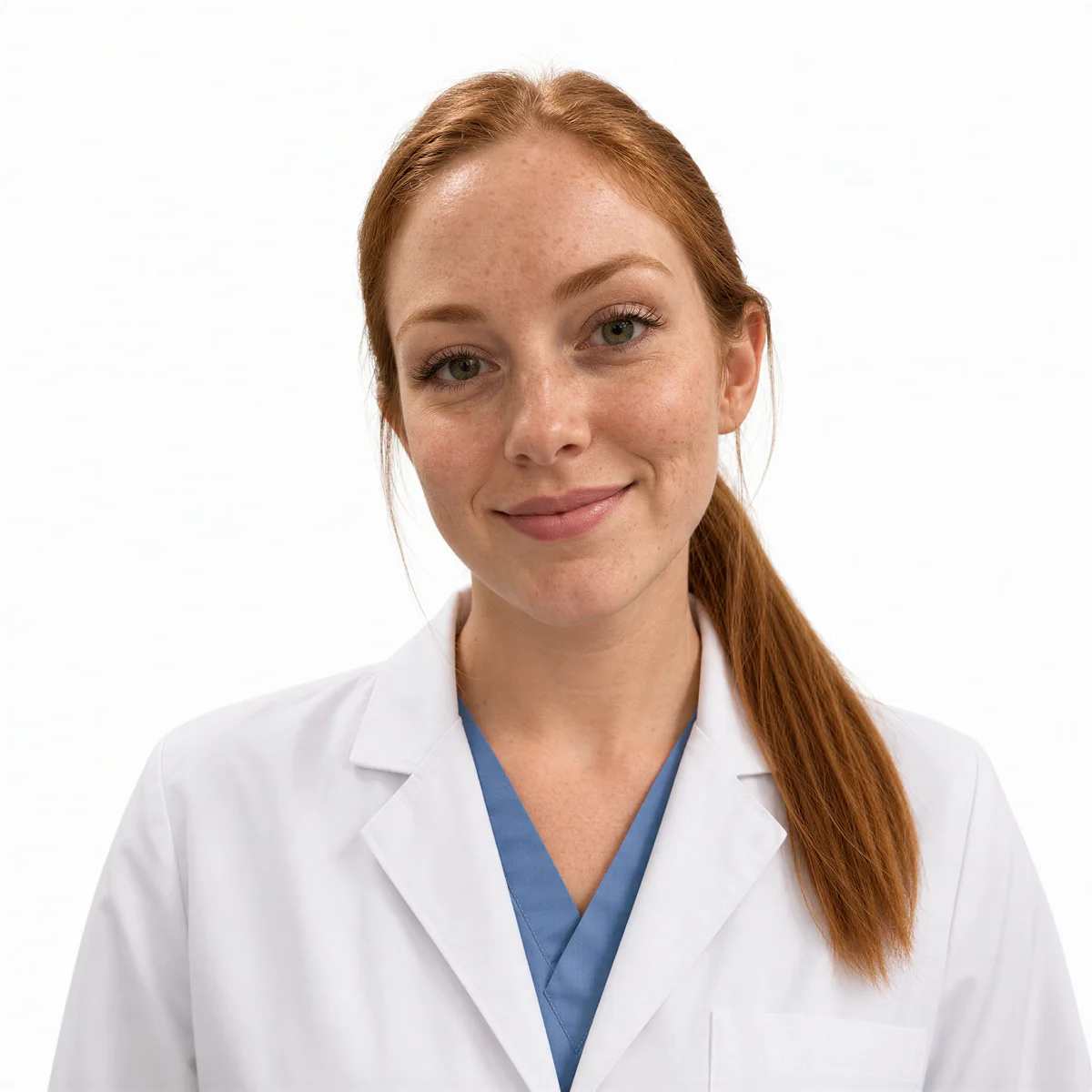
Patients often choose a physician from a directory grid of small photos. A clear, well-lit headshot in professional medical attire helps yours communicate both expertise and bedside manner in that split second. The Medical/Healthcare apparel preset renders the white coat look without a trip to a photographer.
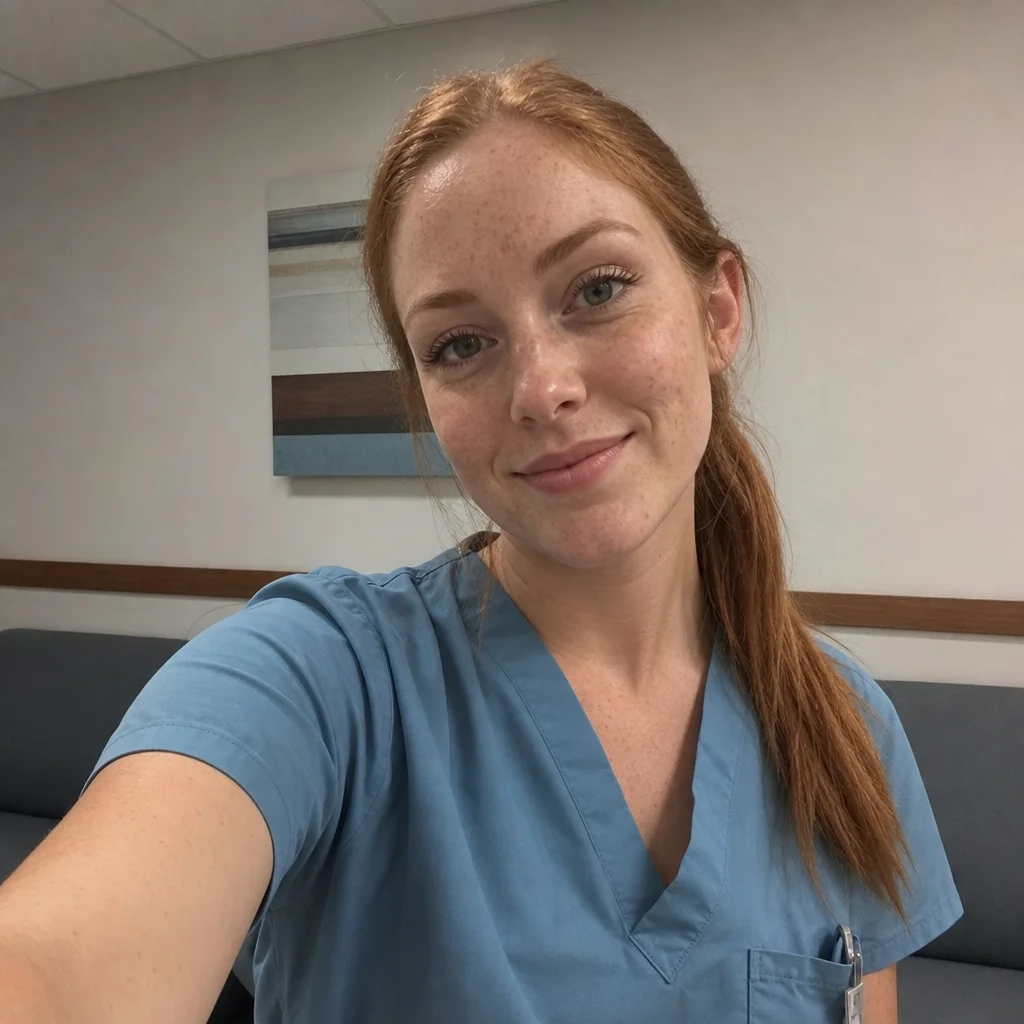
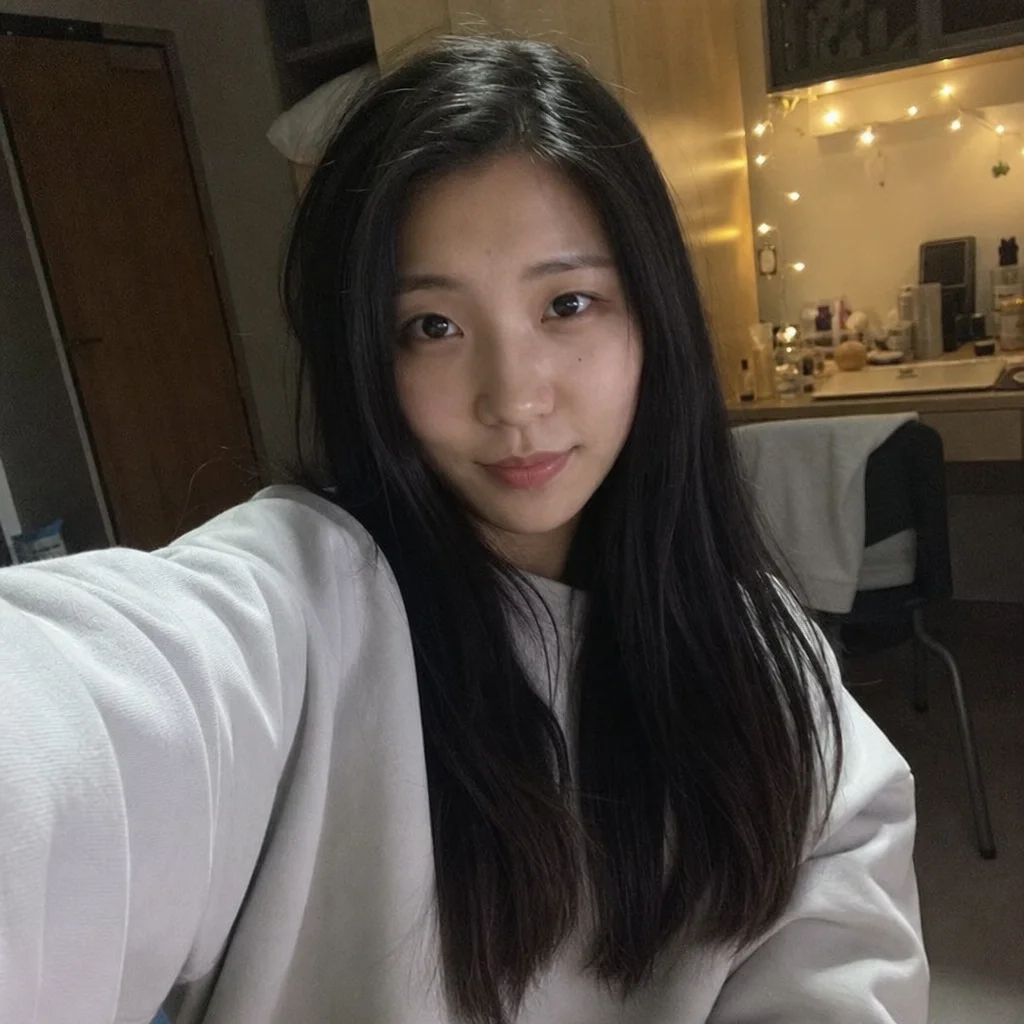
Clinical schedules leave little room for studio appointments, which is why generation happens from one to three selfies and finishes in about a minute, any hour you happen to be free. If the first result feels too stern for a patient-facing page, adjust it with a short text instruction.
1 free credit on signup, no credit card.
The recommended look
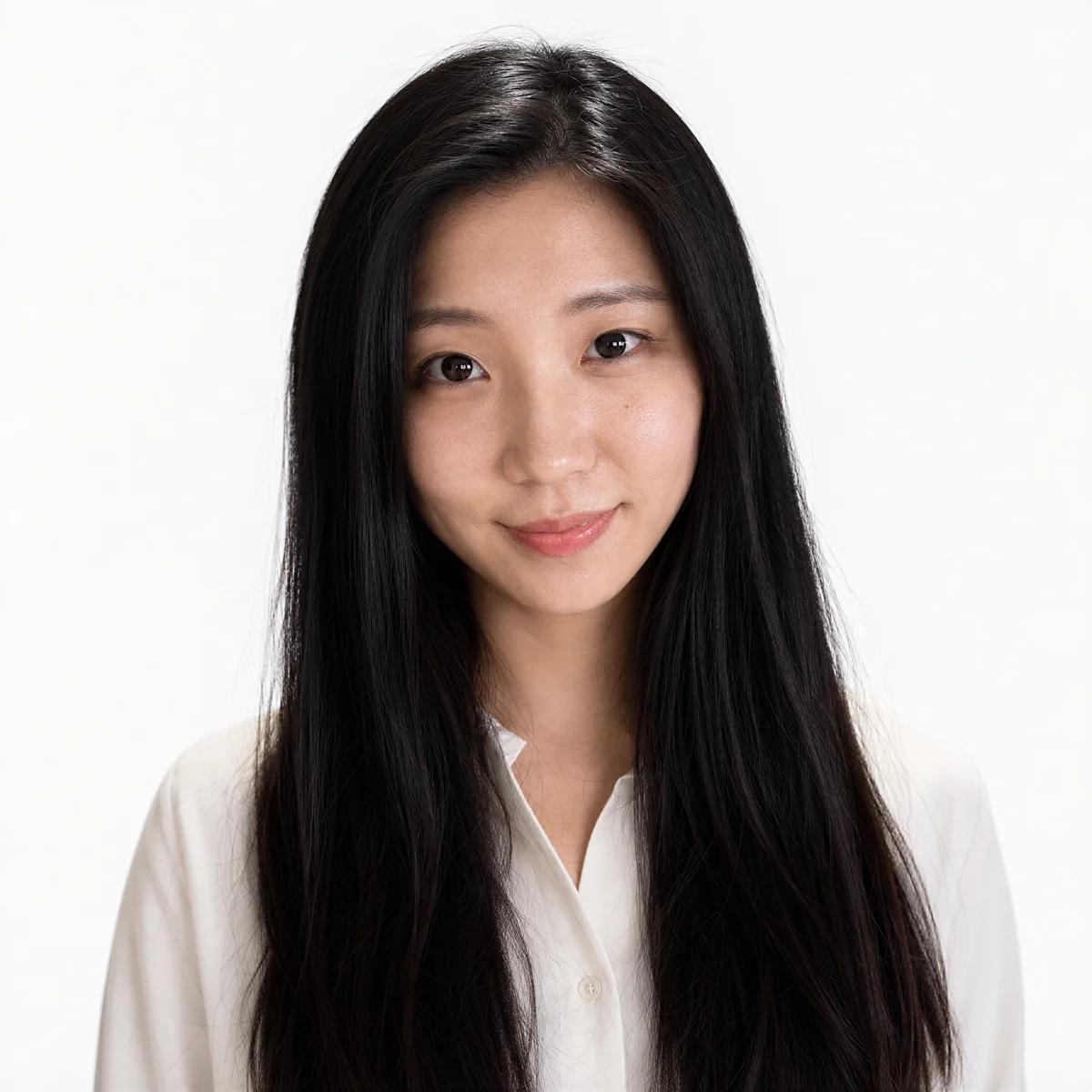
White backgrounds echo clinical cleanliness and match most hospital directory layouts, while an approachable expression reassures patients before their first appointment.
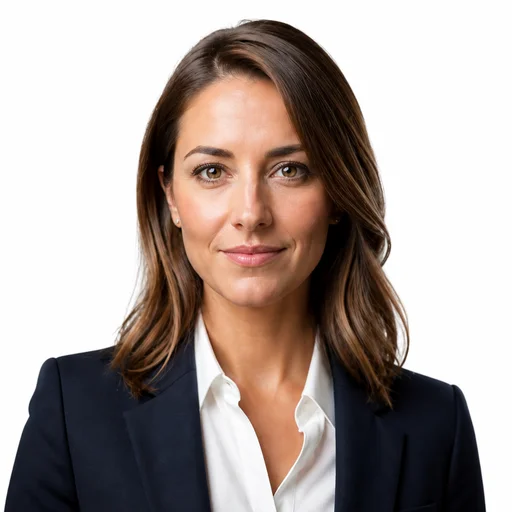
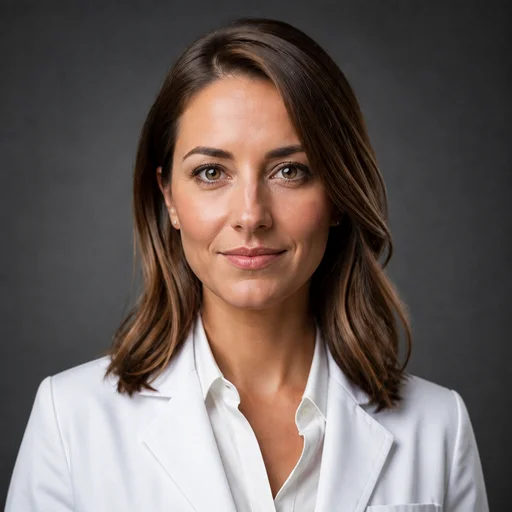
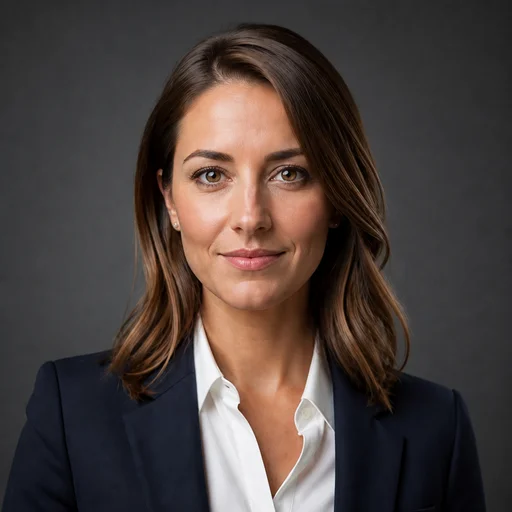
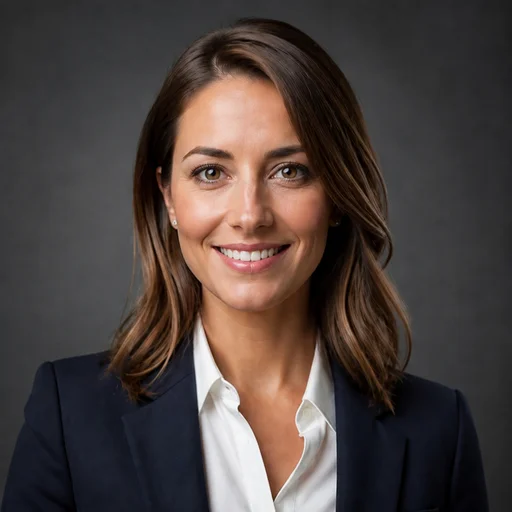
These presets are pre-selected for you on the create page — change any of them freely.
Directory photos are inconsistent or missing
Hospital systems and insurance directories are full of empty avatars and decade-old badge photos. A current, professional image helps patients feel they know who they are booking with.
Clinical hours do not fit studio hours
Photographers work business hours, and so do you, usually with patients booked back to back. An AI headshot can be generated at midnight after rounds just as easily as on a day off.
Warmth and authority are hard to balance
Patients want a physician who appears both highly capable and easy to talk to. Expression and lighting presets let you tune that balance deliberately instead of hoping a single shutter click caught it.
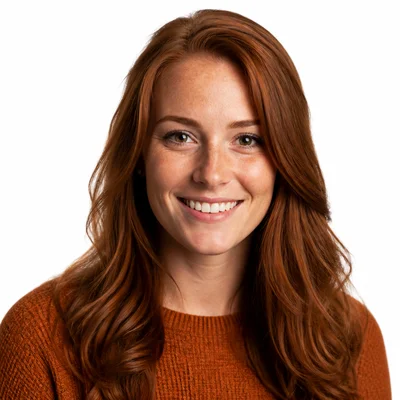
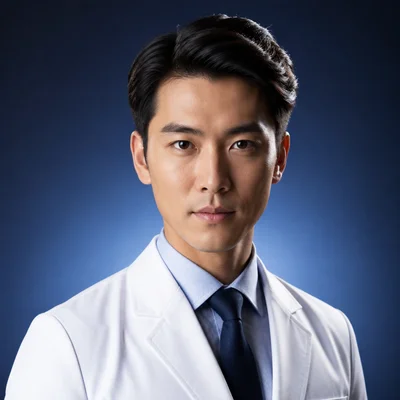
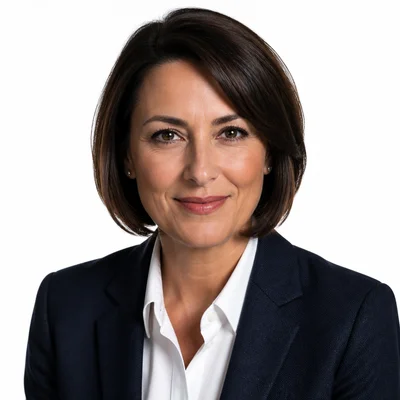
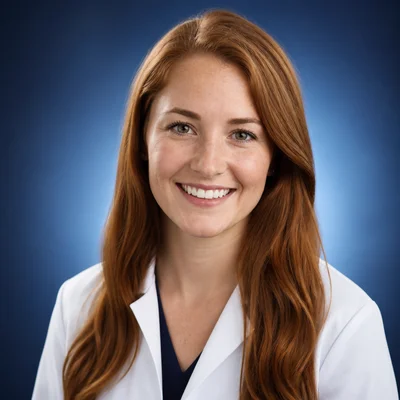
Example results
Generated with the same tool, using styles close to this profession's recommended look.




How it works
- 1Upload 1-3 recent photos of yourself. Regular selfies work.
- 2Choose the Medical/Healthcare apparel preset with a clean background.
- 3Generate your headshot in about a minute.
- 4Download it for directories and portals, or adjust it with a text edit.
FAQs
Can the AI put me in a white coat for my profile?
Yes. Select the Medical/Healthcare apparel preset and the generated headshot renders professional medical attire, regardless of what you were wearing in the photos you uploaded.
What works best for hospital directories and patient portals?
A tight head-and-shoulders crop on a Studio White background with soft lighting. Directory thumbnails are small, so a clean backdrop and clear facial detail matter more than anything stylistic.
How recent should my uploaded photos be?
Use photos that reflect how you currently look, ideally taken within the past year. The generation is based on what you upload, so recent sources keep the result aligned with the person patients will actually meet.
Can I soften a result that feels too formal for patient-facing pages?
Yes. Re-edit the headshot with a text instruction, for example asking for a warmer expression or lighter tone. You can keep the original for hospital use and the softer version for your practice site.