Remote Work Headshots for a Career Lived on Screen
When you work remotely, colleagues see your avatar far more often than your face. It sits beside every Slack message, calendar invite, pull request, and muted video tile. That tiny circle quietly shapes how present and professional you seem to teammates who may never meet you in person.
Upgrading it takes about a minute. Upload one to three selfies, choose a clean style that reads clearly at small sizes, and generate. An Office Setting background can supply the professional environment your spare bedroom does not, and bright preset lighting replaces whatever your desk lamp was doing.
1 free credit on signup, no credit card.
The recommended look
Ring lighting keeps your face bright and legible in small circular crops, and an office backdrop restores the professional context that remote setups lack.
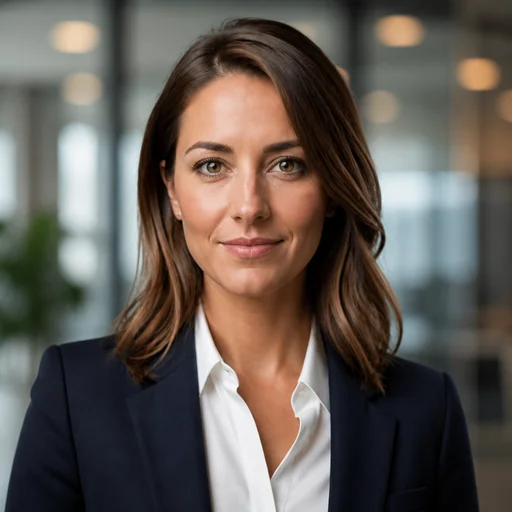
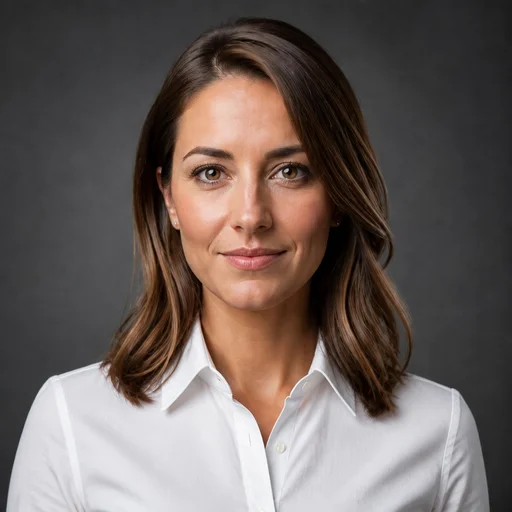


These presets are pre-selected for you on the create page — change any of them freely.
Your avatar does your hallway presence's job
In an office, people see you daily. Remote, your photo carries that entire presence. A dark webcam frame or an old vacation crop makes you fade in a distributed team.
Home lighting is built for living, not portraits
Ceiling bulbs and window glare produce shadows and color casts that phone cameras amplify. Preset lighting sidesteps the problem instead of fighting it.
Async work raises the stakes of profiles
Remote colleagues, clients, and leadership often form impressions entirely from written messages and the photo next to them. A polished image keeps those impressions working for you.
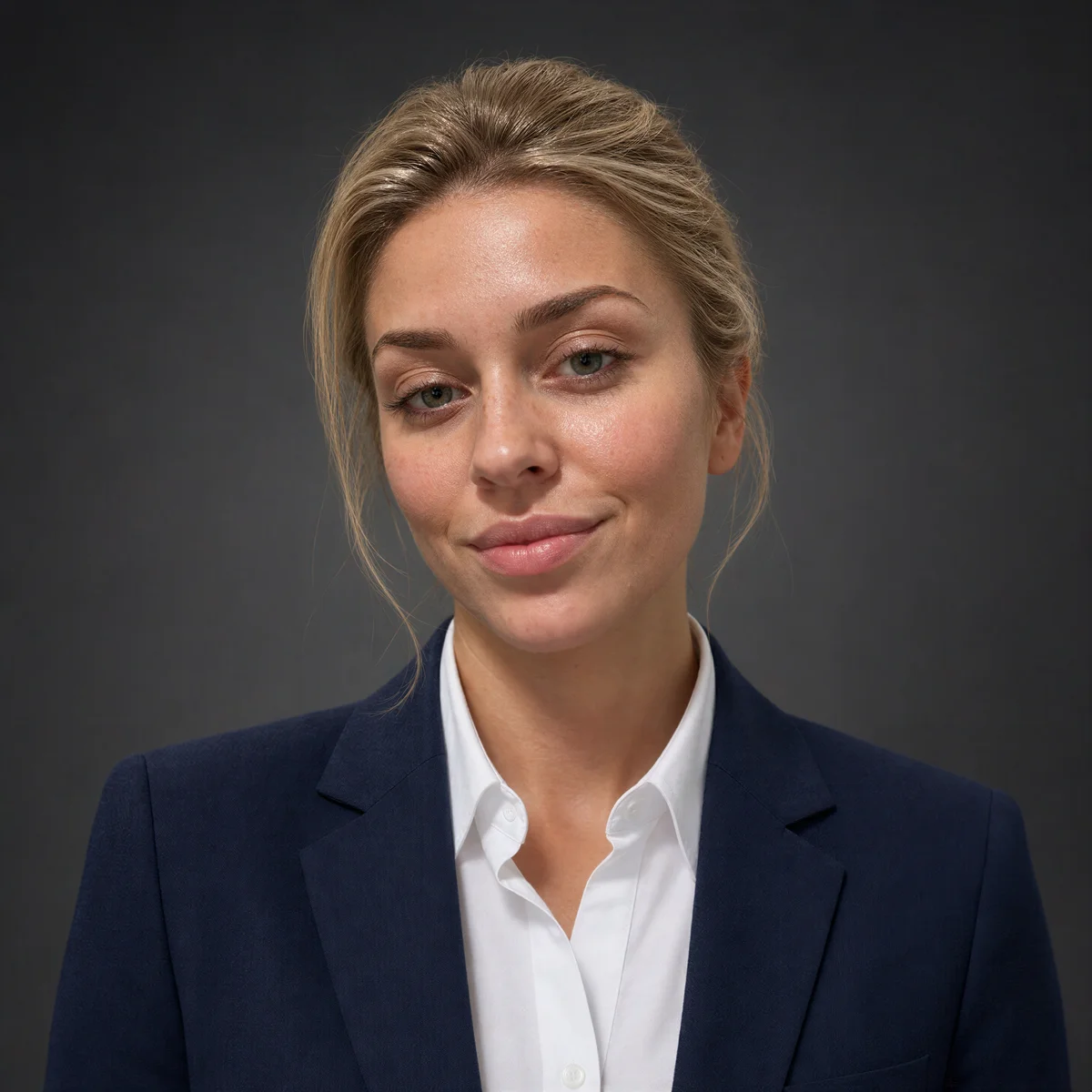
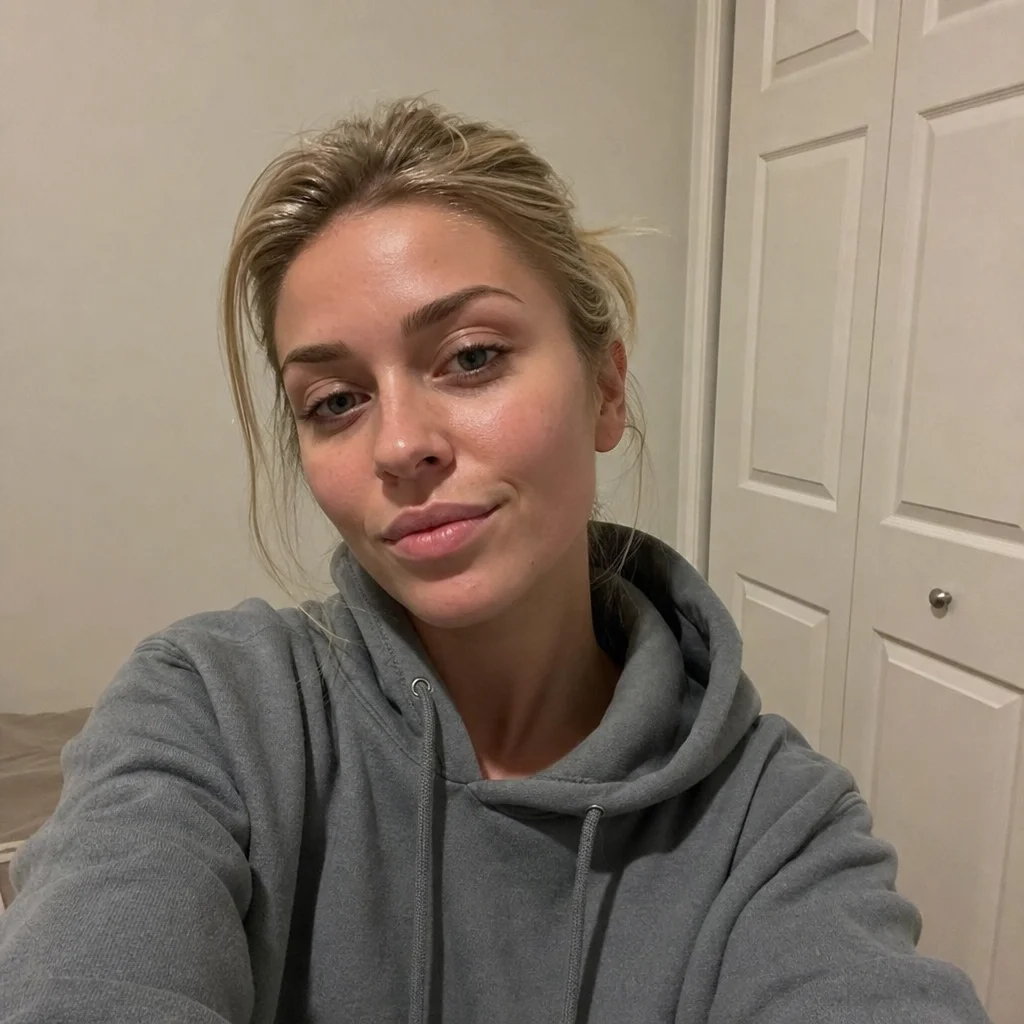
Example results
Generated with the same tool, using styles close to this profession's recommended look.










How it works
- 1Upload 1-3 selfies taken anywhere in your home.
- 2Choose a style that stays clear at avatar size.
- 3Generate your headshot in about a minute.
- 4Set it across Slack, Zoom, email, and your company directory.
FAQs
Why do remote workers need a headshot more than office workers?
Because the photo substitutes for physical presence. Office colleagues see you constantly; remote colleagues see your avatar. A clear, professional image keeps you visible and credible across every tool your team uses.
Can I get an office-style background without going to an office?
Yes. The Office Setting background preset places you in a professional environment regardless of where your selfies were taken. Your actual room never appears in the result.
What works best as a video call profile avatar?
A bright, tightly cropped image with strong facial clarity, since call tiles and chat avatars render small. Ring Light with a simple or office background keeps the thumbnail legible.
Can I brighten the result if my room lighting was dim?
The preset lighting largely overrides your room's conditions, so dim source photos still produce well-lit results. If you want it brighter still, ask for that in a text re-edit.